프론트엔드/연습문제
이력서 단계별 연습
오늘도코딩
2023. 2. 6. 14:47
🧘🏻♂️ 1단계

footer: 배경색(#1e1e1e), 글자색(#919191), 폰트(12px)
mainbox: 두께(1px), 직선, 글자색(#ebebeb), 넓이(610px)
🧘🏻♂️ 2단계

mainbox: margin(30px), padding(30px)
name-text: 폰트(16px), 글자색(#7c7c7c), 폰트두께(bold)
footer: padding(20px), 태그 정리
🧘🏻♂️ 3단계

그림자 표현하기: 0 1px 20px 0 rgba(0,0,0,0.1)
글씨체(monserrat regular 400)
간격 초기화
h1: 폰트(36px), 폰트두께(bold), italic
h2: 폰트(20px), 폰트두께(lighter), 글자색(#282828), 밑줄(1px solid #ebebeb), 밑줄 간격 5px
🧘🏻♂️ 4단계

about-me-text: 폰트(10px), 줄 간격: 16px
title-text, year-text: 폰트(11px), 폰트두께(bold), 글자색(#282828)
desc-text: 폰트(9px), 글자색(#282828)
desc-subtext: 폰트(9px), 글자색(#282828), 간격 16px
🧘🏻♂️ 5단계
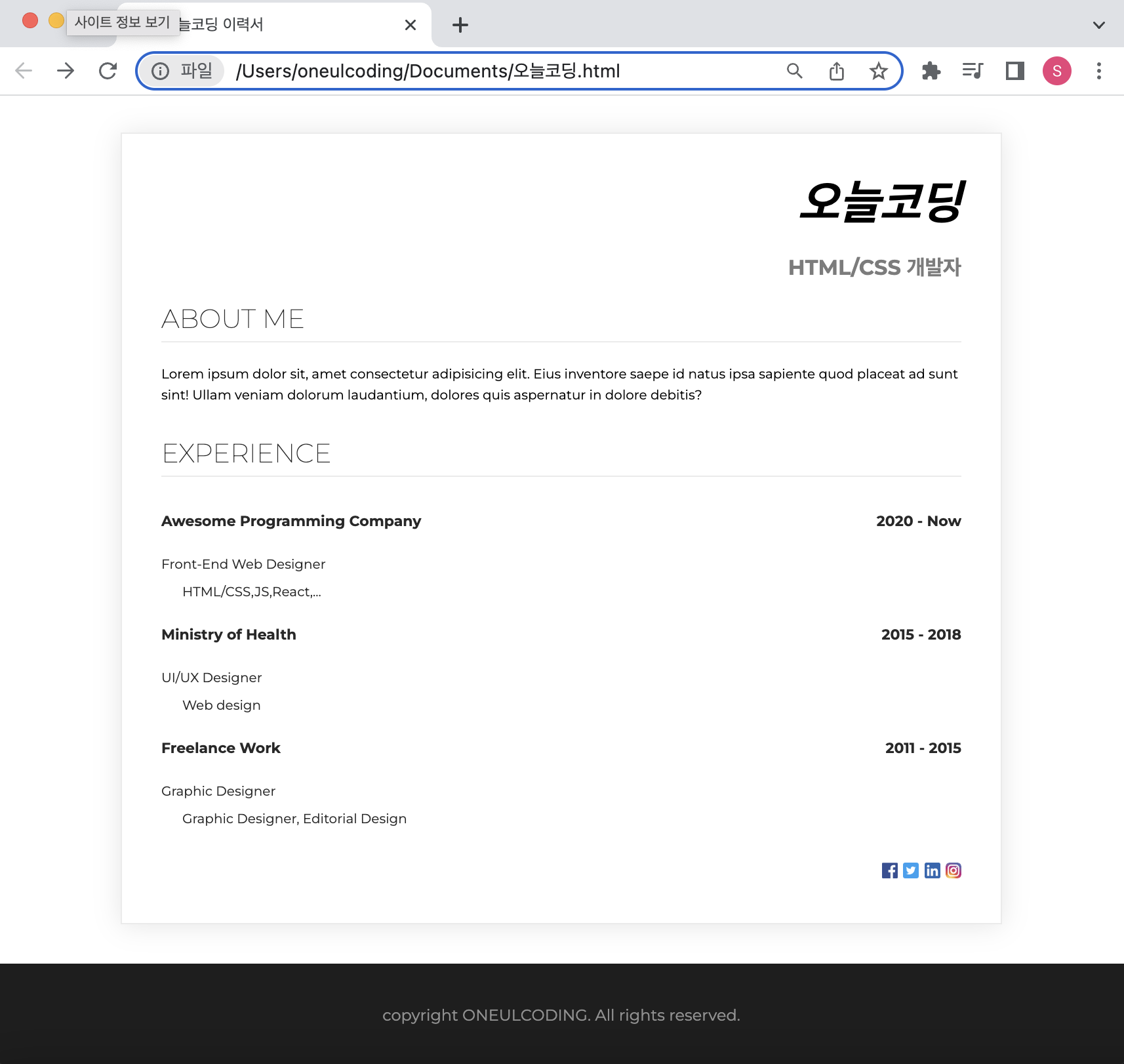
section: margin-bottom(24px)
h2: margin bottom(16px)
sns-img: width(12px), height(12px)